
WordPress is losing ground. When does a static website make sense?
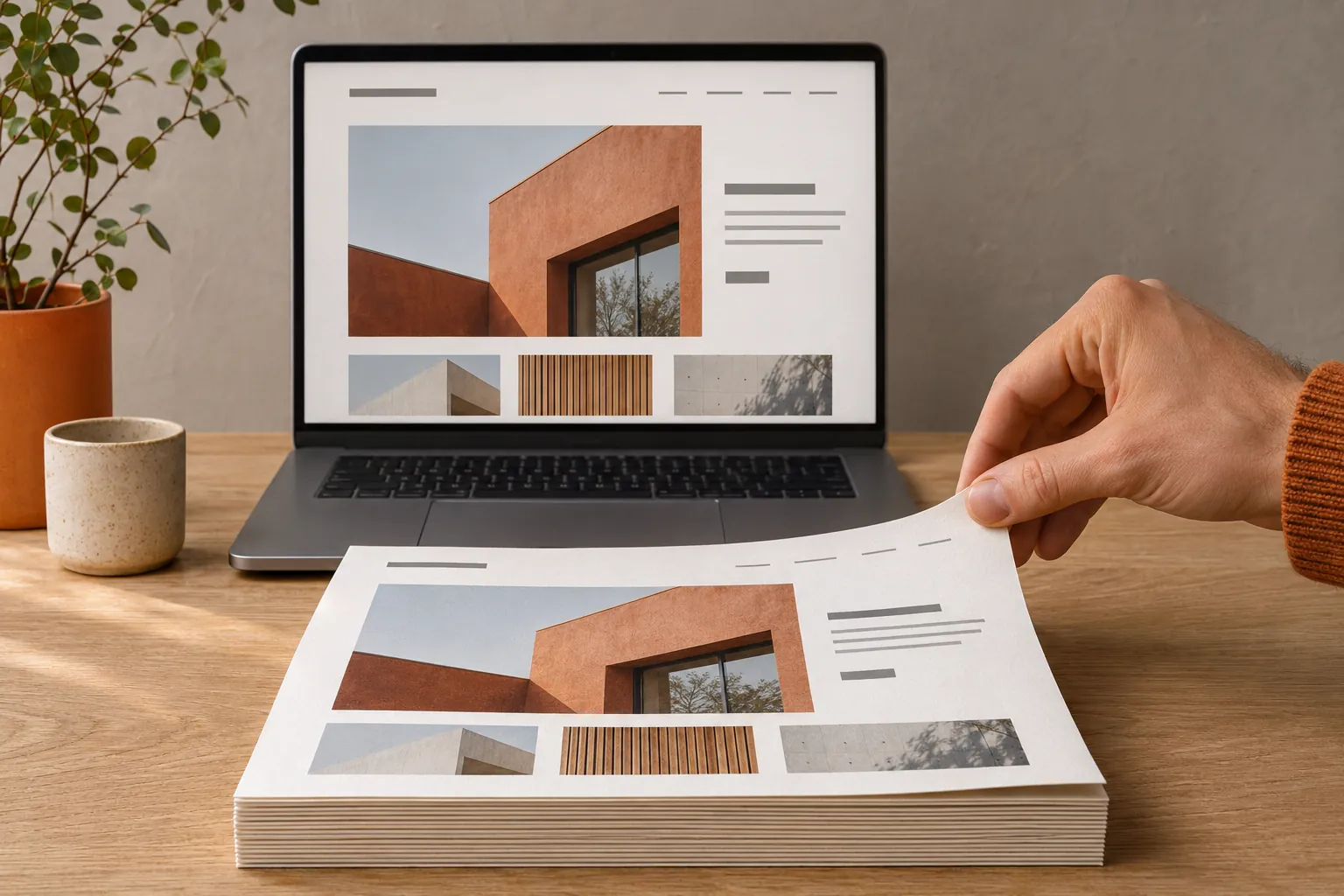
Think about the last change you made to your website. Did someone on your team sign in, edit a page and publish it? Or did you email your developer a new project photo? If your developer handles the updates anyway, what do you get from running a content management system (CMS) all year?
What the WordPress figures tell us
On 1 January 2026, W3Techs detected WordPress on 43.0% of the websites it surveyed. By 1 July that share was 41.5%, and by 19 November it was 38.5%. That's a drop of 4.5 percentage points since January. WordPress was still by far the most widely detected CMS. These figures cover WordPress across hosting arrangements and don't give a separate count of self-hosted installations.
Static publishing has a trend of its own. In HTTP Archive's mobile sample, the share of sites it could identify as serving prebuilt pages rose from 0.4% in 2022 to 0.5% in 2024. Static sites can be hard to recognise from the outside. The two studies cover different periods and neither tracks individual sites moving from WordPress to static hosting.
What happens when someone opens a static page?
Take this article. When we publish it, our build creates a Dutch HTML file and an English one. When you follow the link, the file for your language is ready to send. If we correct a figure, we publish a new version. A contact form can still work on the same site. A separate service handles the message when you press send.
What you gain by building pages ahead of time
Faster delivery during a traffic spike. Suppose a newsletter sends a thousand readers to the same project page. A content delivery network (CDN) can serve copies of the finished file close to those readers. Nobody has to wait for a database query to assemble the page. The size of your images and scripts still matters, especially on a phone.
Less maintenance between updates. A static site without WordPress has no public CMS login, PHP installation or CMS plugins to maintain. That gives attackers fewer entry points and saves you the work of updating plugins and testing them together. Hosting accounts, build tools and any form service still need looking after.
Simpler hosting and recovery. A portfolio can run on file hosting alone, which can bring down the running costs. If we publish the wrong project details, we can restore the previous set of files. The cost worth comparing is a year of hosting and maintenance plus the time or fee for each content change.
Update your own site with ChatGPT or Claude
Want to change a photo or update a page yourself? At GSD we can set up your static site so you can use the AI assistant you already work with. For example, we can connect Codex in ChatGPT or Claude Code to your site's files on GitHub. Together we agree who can propose a change and who can publish it.
For example, you could ask, "Update the contact page to say we close at 4 pm on Fridays. Change the Dutch version too." The assistant prepares both edits. You open a preview, check the wording and approve it for publication. GitHub keeps the previous version, so you can restore the old hours just as easily.
Moving an existing CMS site to static hosting
Already using WordPress or another CMS? For a business site with service pages, projects and news, the move is usually straightforward. We can keep your existing copy, photos, design and page addresses, so a link in an old newsletter still takes readers to the right place. Once the site has moved, you can retire the CMS, its database and the plugins you used solely to serve those pages.
How much you save depends on what else the CMS does for you. A separate service can handle a contact form. Customer accounts or a shopping cart that checks live stock still need a backend. Before recommending a move, we look at the features you use and weigh the one-off migration cost against what you could save each year on hosting, updates and maintenance.
Who needs to be able to press publish?
For a practice with a handful of service pages, opening hours and the occasional new case study, GSD's first choice is a static website when nobody needs a CMS. Agree up front who will make changes and how quickly they can publish an urgent correction.
For a team of editors who write daily, pass drafts to a colleague and schedule articles for the weekend, we'd choose WordPress. Roles, revisions and scheduled publishing save time every week. Look at the last three things your team published. Who wrote them, who approved them and how long could each update wait? Those answers tell you which setup is worth maintaining.